

How do I use Open Tracking?
On the Mailbutler mobile app, you will see the tracking information for emails that you have sent from Apple Mail, Gmail, or Outlook, using Mailbutler, on your computer.
It is not possible to send tracked emails from the Mailbutler mobile app.
However, you can set up Tracking for the native email app on your mobile device. For instructions, head to this article.
To check whether your emails have been opened on the Mailbutler Mobile app, follow the below steps.
1. Go to the Email tab.
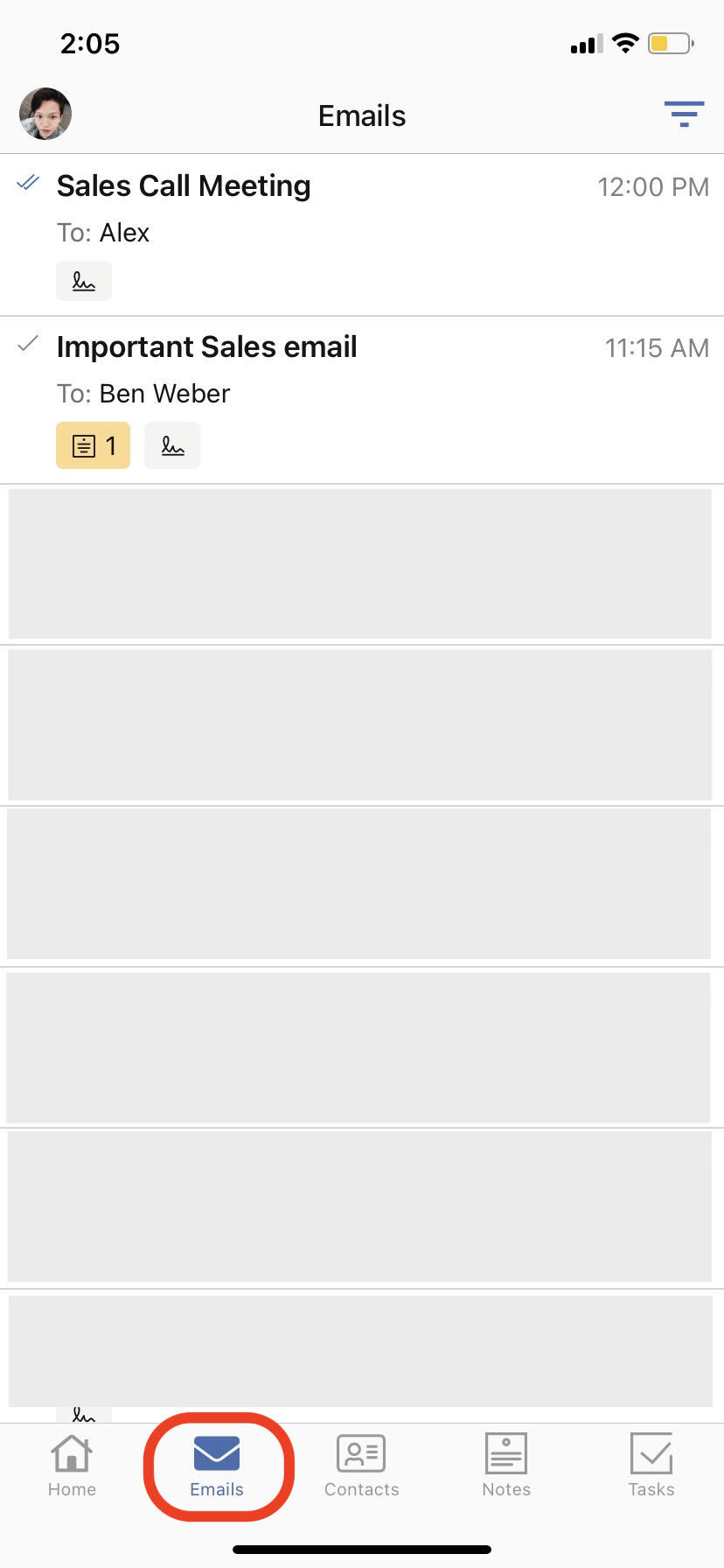
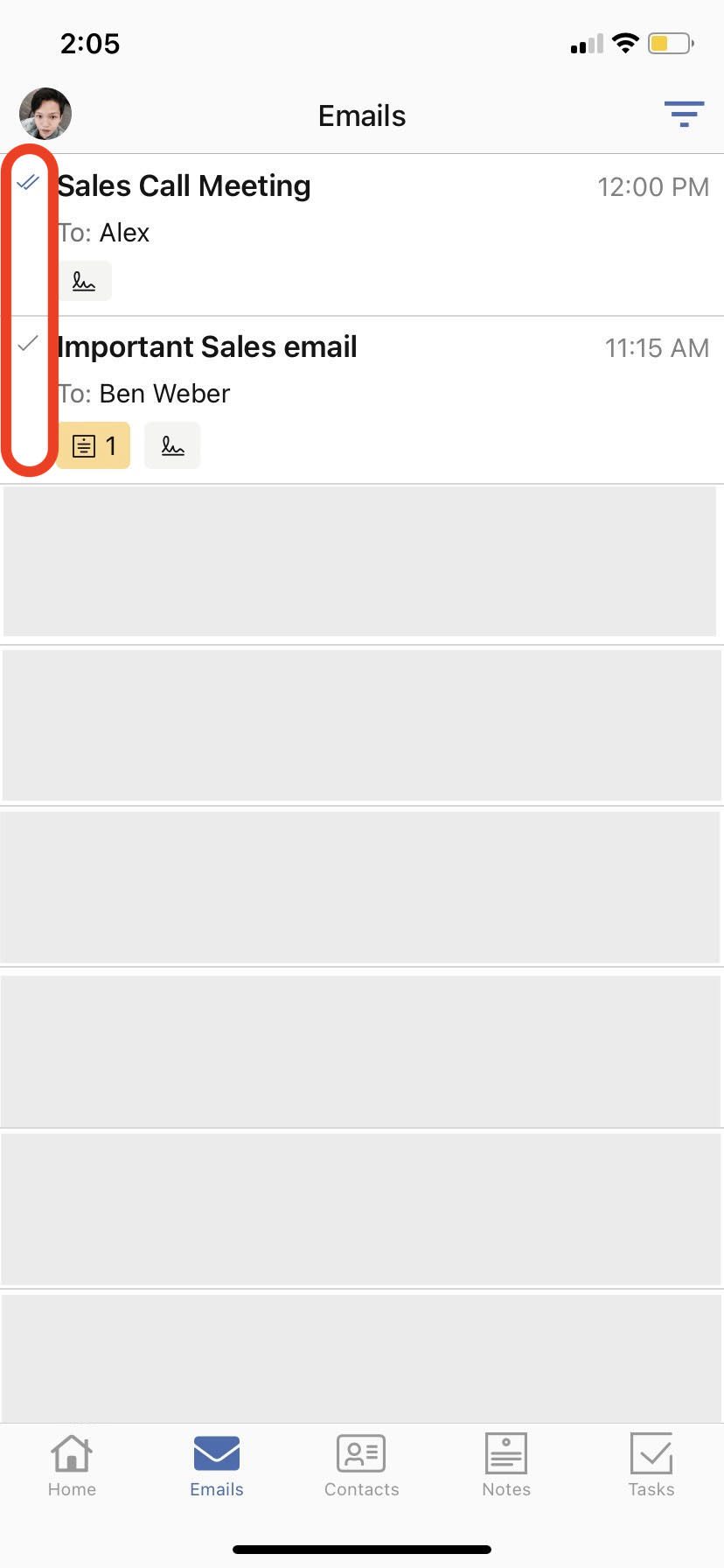
2. You will see Tracking checkmarks to indicate if your emails are read or unopened.
3. Tap on an email to see when your email was first opened.
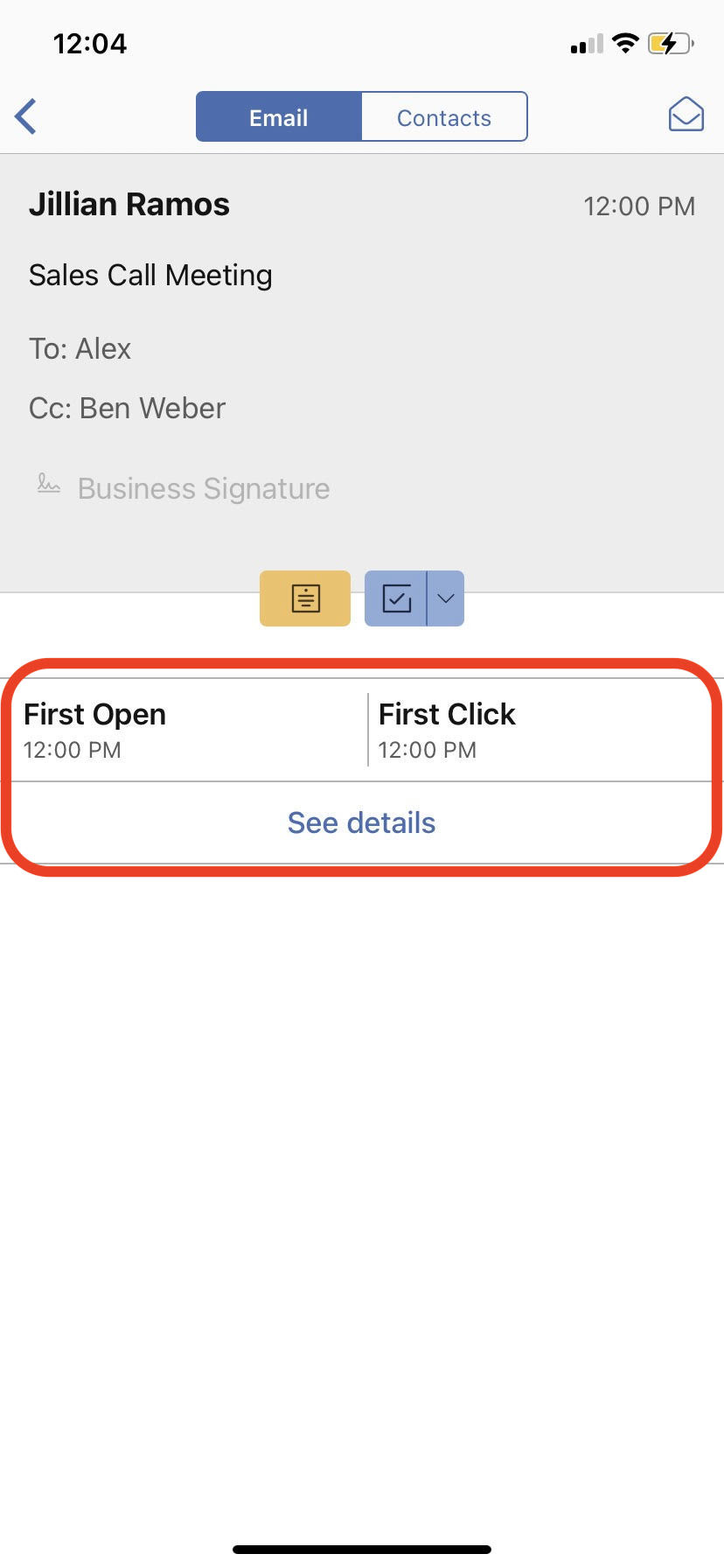
If you want to see more detailed tracking information, head to this article to learn how to reveal Tracking Details.
How do I test Open Tracking?
If you would like to test whether Open Tracking is working correctly, you can send a test email with Tracking enabled to alex@mailbutler.io - Once the email has been opened, the open event should be recorded in your Mailbutler tracking details. This is a simple way to verify that tracking is functioning as expected in your setup.
For general information about Tracking, check out our feature page.