

If you are using a different email client, please refer to the corresponding guide for Outlook, Gmail or mobile, where you’ll find step-by-step instructions tailored to those platforms.
How do I export my Tracking Events?
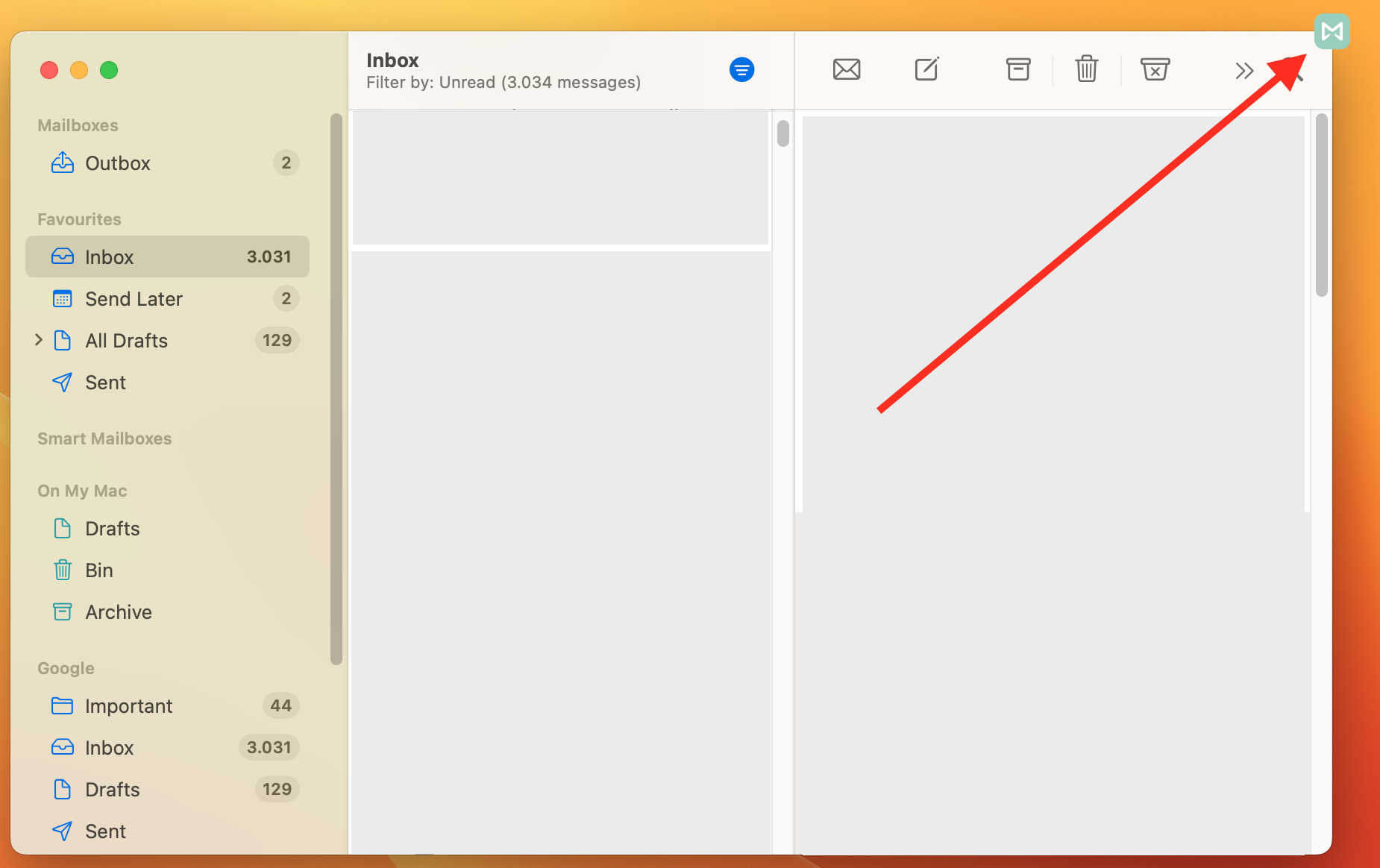
1. Open the Mailbutler sidebar by clicking on the Mailbutler icon.
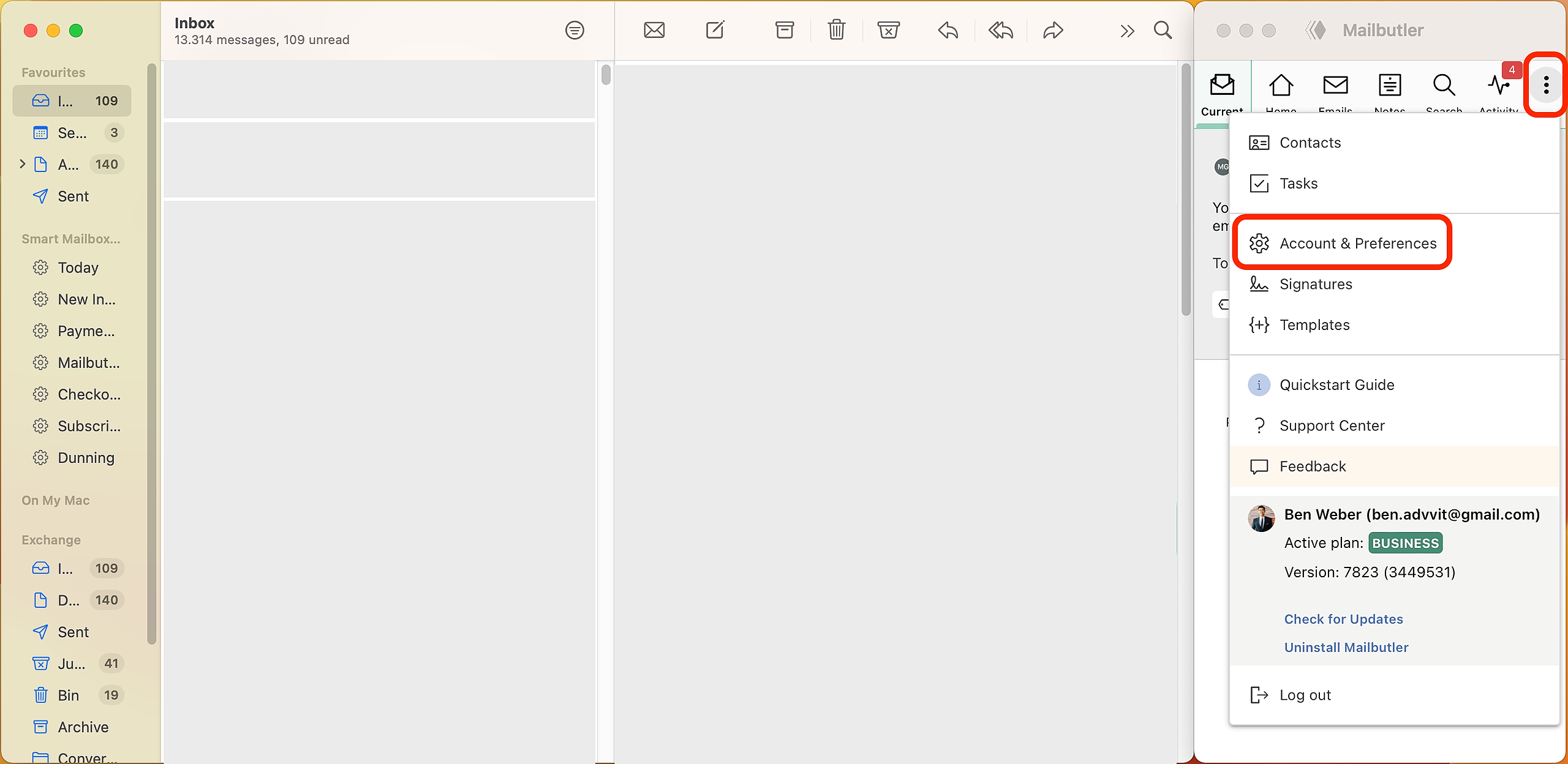
2. In the Mailbutler Sidebar, click the three dots and then Account & Preferences.
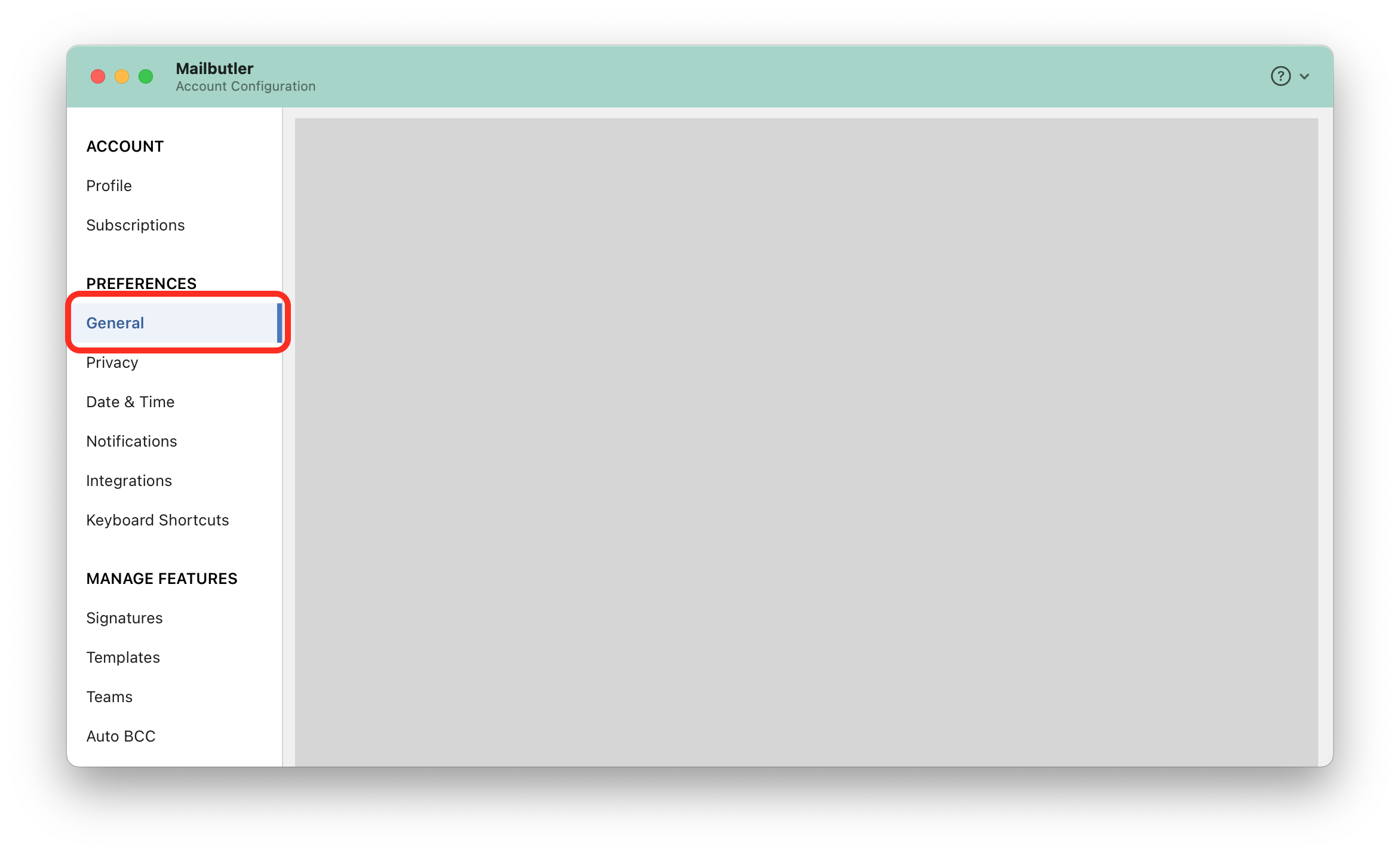
3. A new window will open. Select General under Preferences in the sidebar on the left.
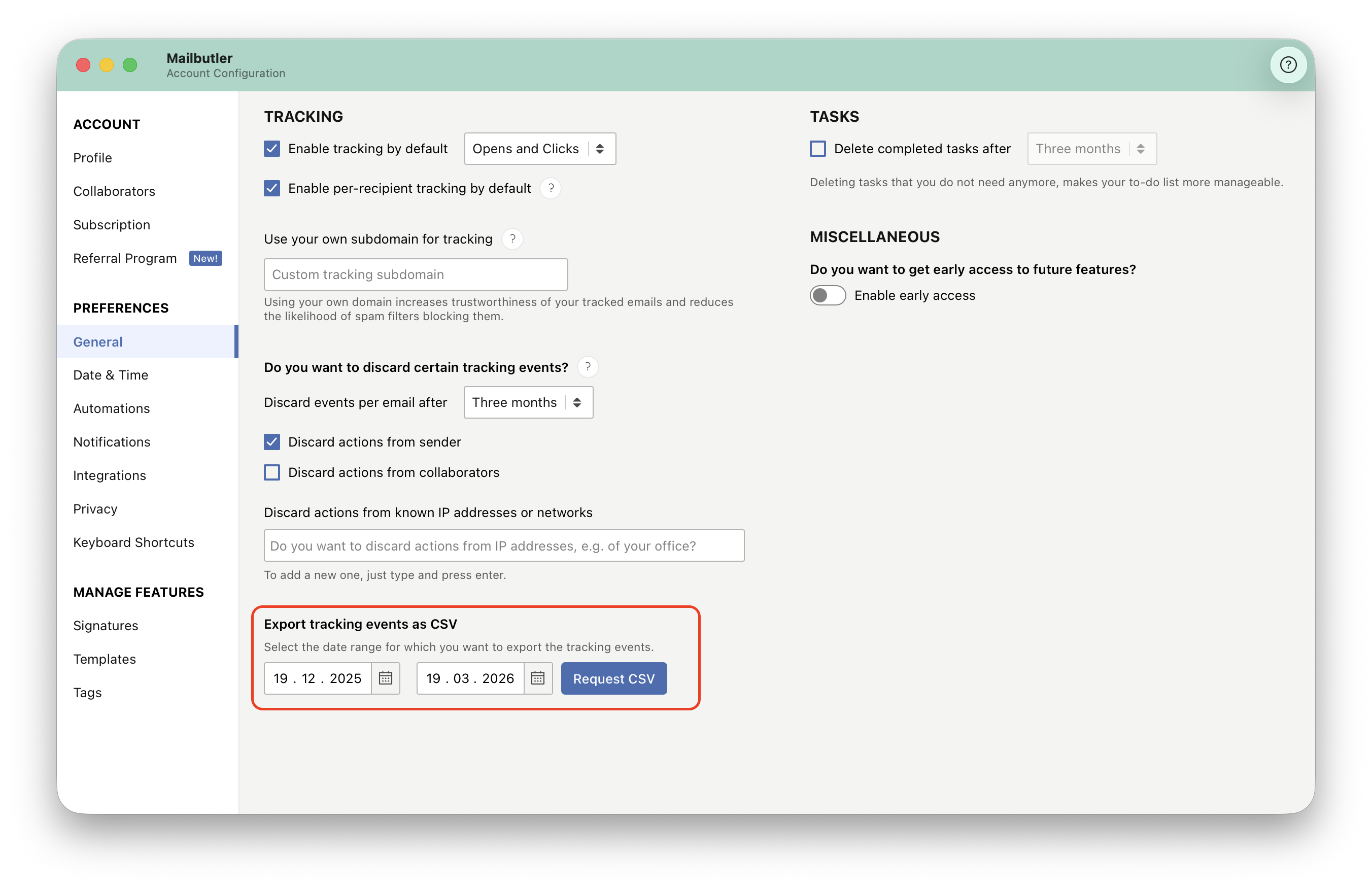
4. Select the date range and click request CSV.
For general information about Tracking, check out our feature page.