
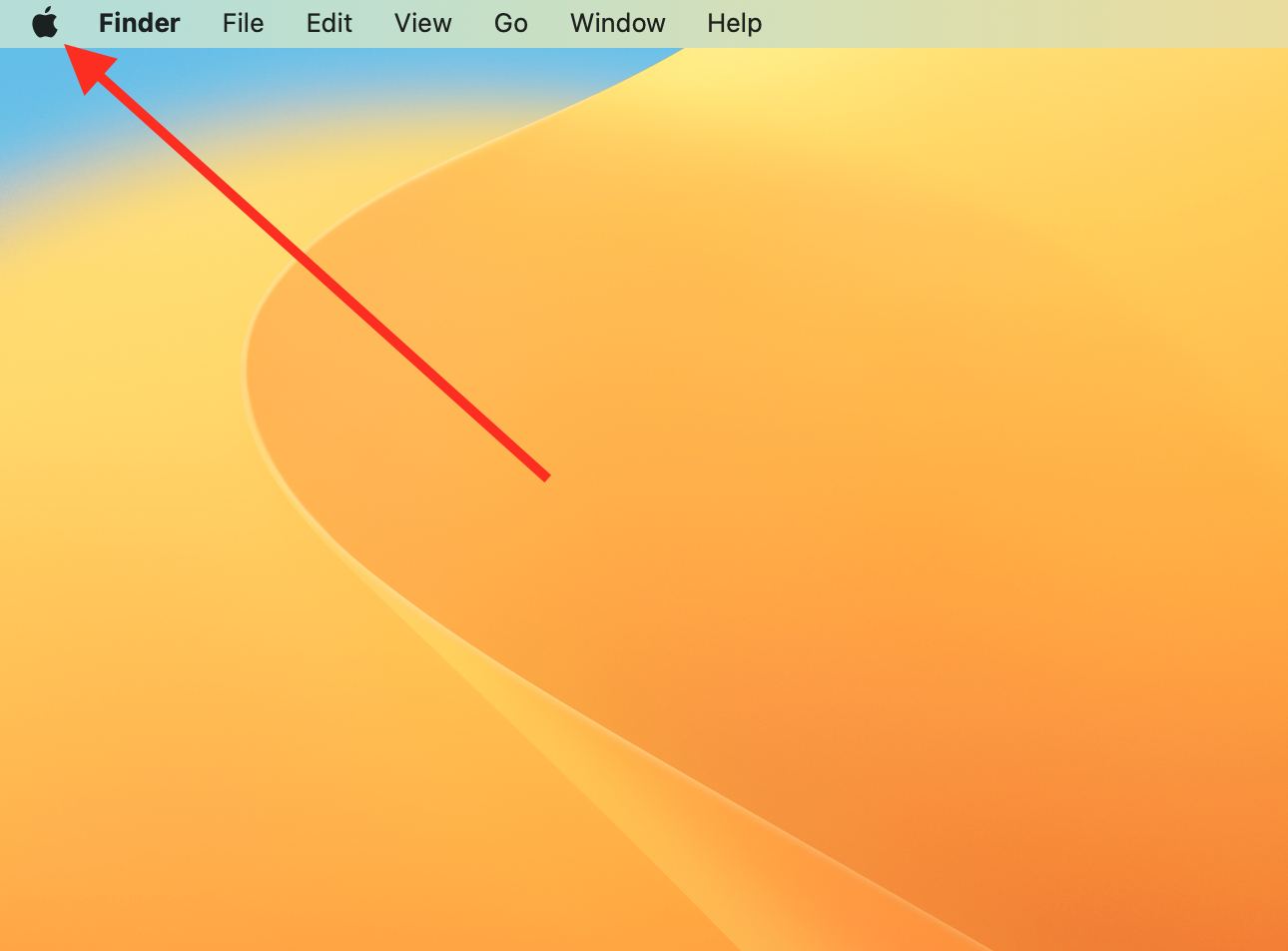
1. Click on the Apple icon in your Mac menu bar.
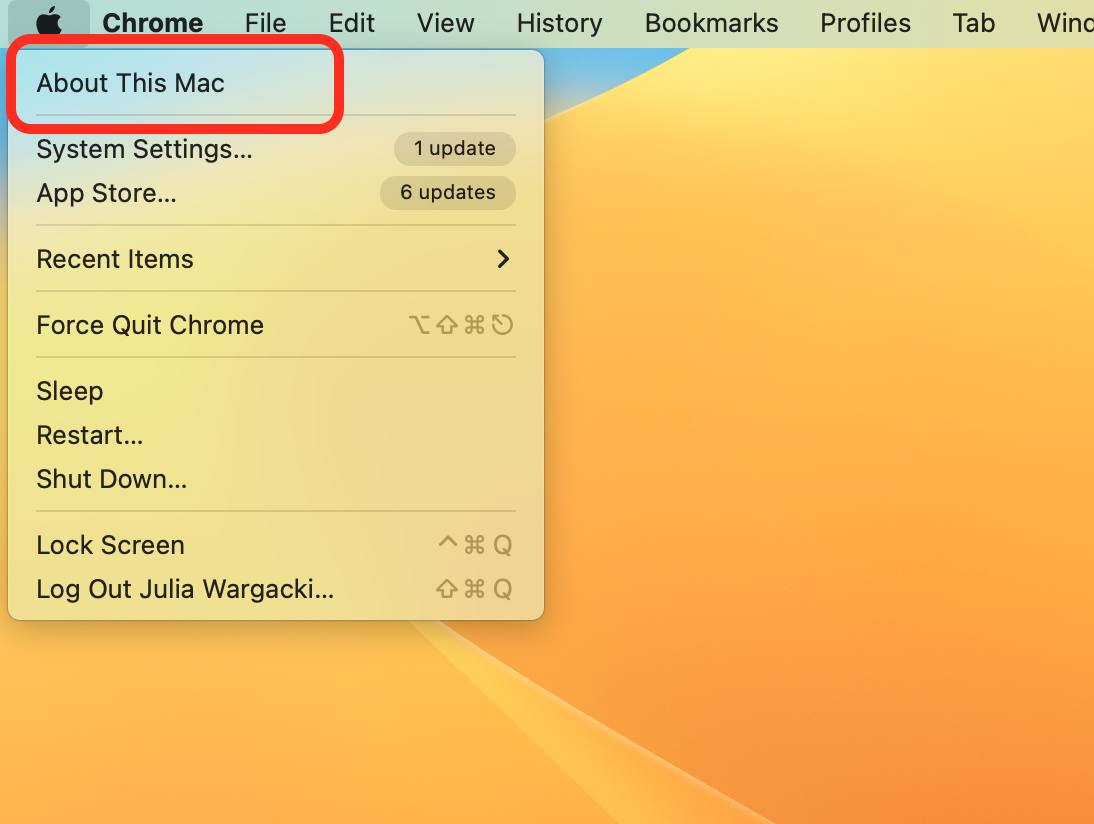
2. Select About this Mac.
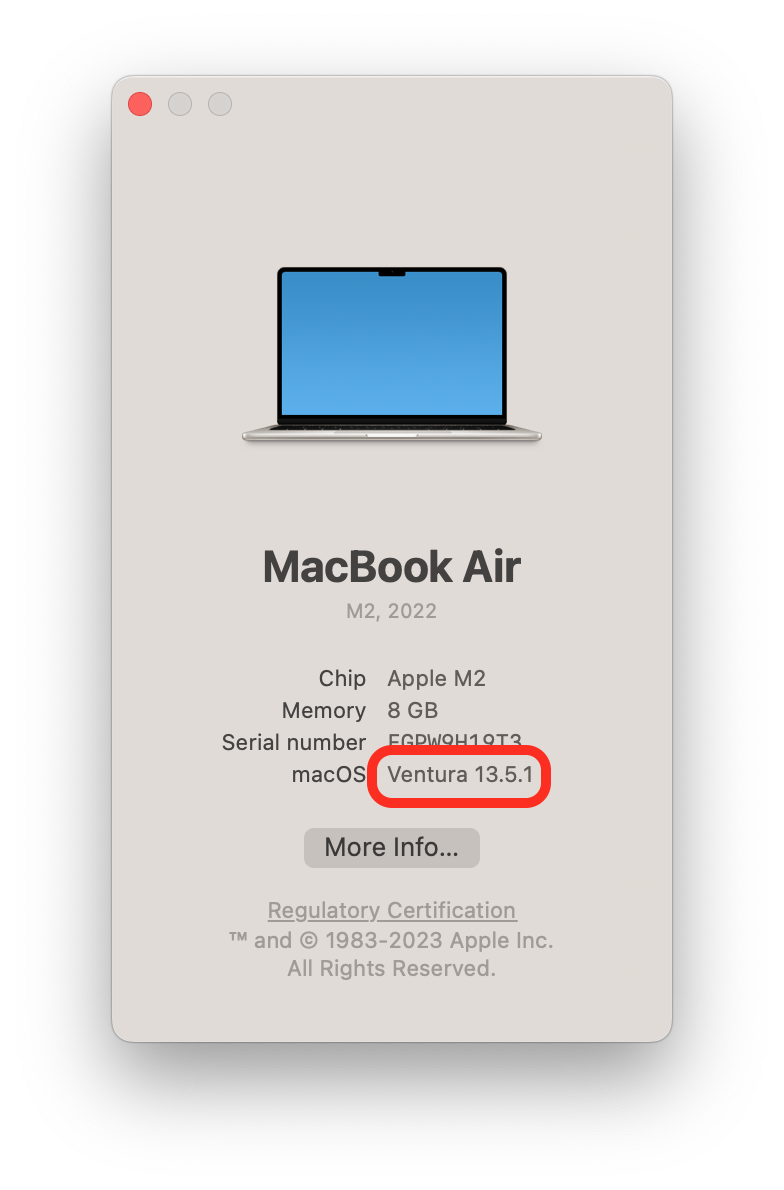
3. A new window will open. Under macOS you can see which operating system you are currently using.

Support Center
What are you looking for?
FAQs
Check which macOS you are currently using.
Last updated on 04 Feb, 2026
1. Click on the Apple icon in your Mac menu bar.
2. Select About this Mac.
3. A new window will open. Under macOS you can see which operating system you are currently using.